Official website · macOS · Version 1.2.0
A code editor made for the Mac
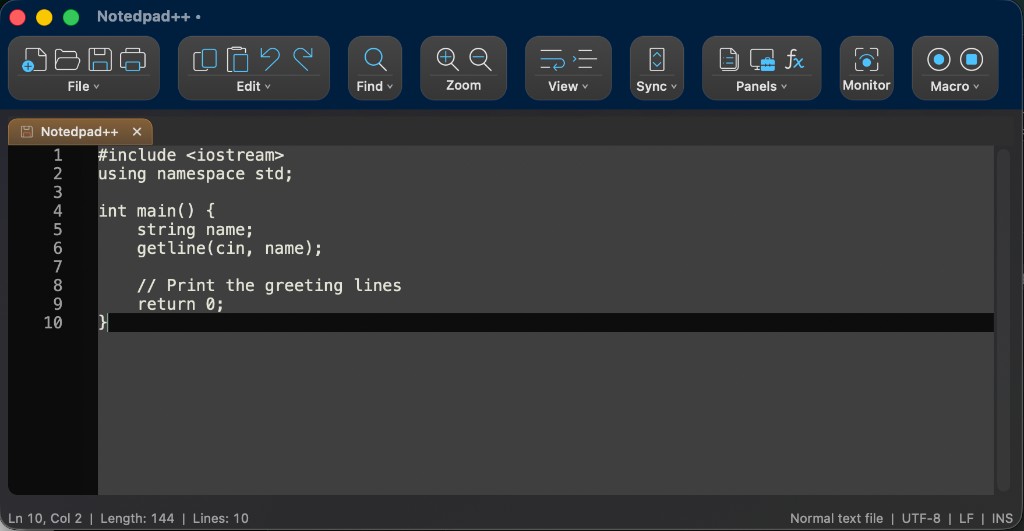
If you are searching for a macOS editor, Notedpad++ is a native option: a Mac app with a Mac installer, Mac menus, and editions that follow how the system looks.
Download Notedpad++ for Mac Back to the official site
Built like a Mac app
Notedpad++ uses native macOS APIs. It runs on Apple Silicon and Intel. System Theme follows Light and Dark; Classic keeps compact navy chrome. The goal is a code editor that belongs in Applications next to the rest of your Mac software — not a translated Windows layout running under translation layers.
Free to install
Download Classic or System Theme from the official download page. Open the disk image and run the installer. It is free (GPL). It is not pre-installed with macOS and is not an Apple product. This page is part of the official Notedpad++ website.
How it compares on a Mac
- TextEdit ships with macOS. It is a document editor, not a dedicated code editor.
- Xcode is Apple’s IDE. Notedpad++ is a lighter editor for source, config, and notes.
- Notedpad++ is independent. Tabs, find and replace, syntax highlighting, a compact toolbar.
Notedpad++ is not affiliated with Apple, Notepad++, or Nextpad++. Names of other products belong to their owners.